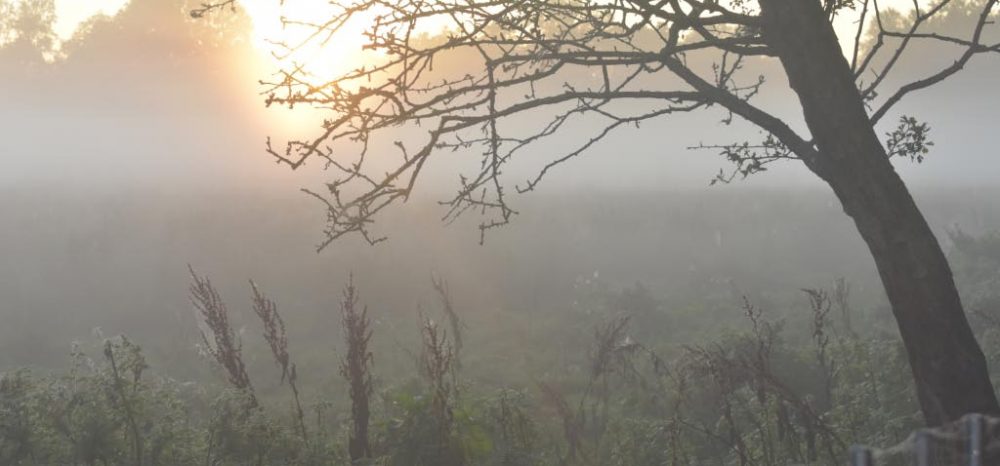
Instead of using double exposures or printing from double negatives we now have
the technology available to us to make these changes in post-production, allowing
for quite astonishing results.
Use digital software such as Photoshop to create a composite image which visually
appears to be a documentary photograph but which could never actually be.
To make a composite image you need to consider your idea and make the required
amount of images to join together.
Upload the images and decide which image you’ll use as your main image and
background. Use the magic wand to select sections of image from the others
you wish to move into your background image. Copy via layer and drag into the
background. Do this repeatedly until you have all the pieces of your puzzle in place.
In order to make it more convincing, use the erase tool on each layer to keep the
edges soft and to create a better illusion. Be aware of perspective and light and shadows for the most effective results.
Search YouTube for Photoshop tutorials; there will probably be a suitable upload. If
not, ask your tutor or your fellow students for advice or find a digital technique book
in your library for more specific instructions.
Have a look at Peter Kennard’s Photo Op series for inspiration: https://www.theguardian.com/artanddesign/2013/oct/15/tony-blair-selfie-photo-op-imperial-war-museum
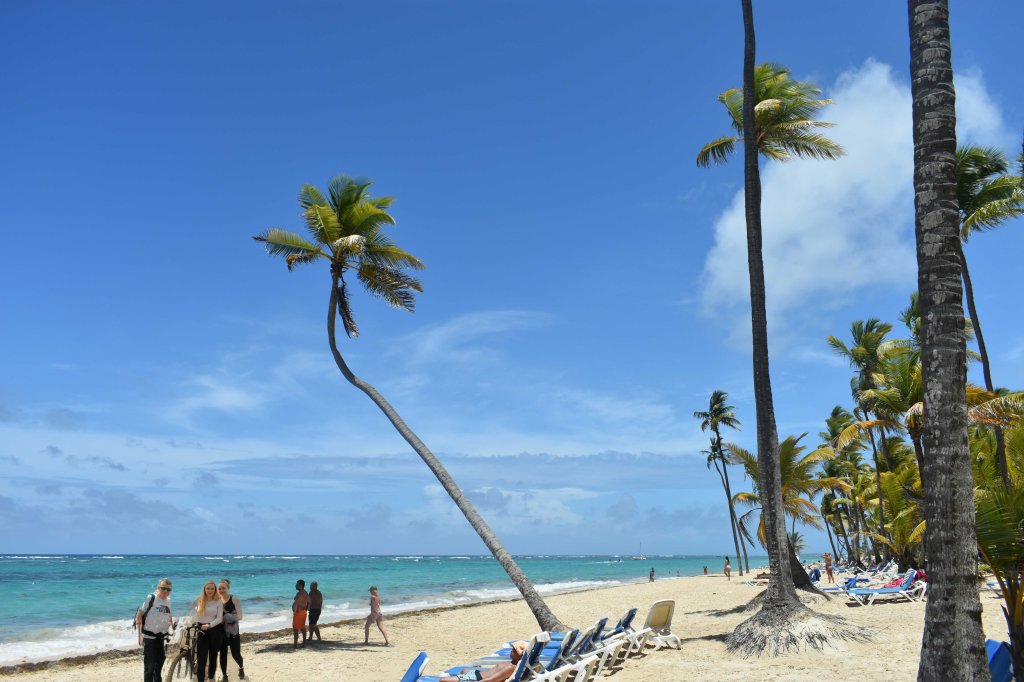
The three people in the bottom left of the image have been added to this photo. A story could be created around hiring a bike and riding along the beach in the Carribean. The bike riding actually took place in Wales Uk.
 Jenny Stork: Photography 1: Context & Narrative